

Retro games and consoles are pretty accurately emulated nowadays. Output from emulators is crisp and sharp. However those pixels look different on CRT monitors. Shaders in RetroArch is a way to recreate that look for the authentic old-school experience.
Content is broken up into several sub pages with numbered links at the bottom of the each page.
Update on April 12, 2025: The Screenshot Dataset (23.3G) is finally uploaded to Internet Archive.
- Types of Shaders
- The Screenshots Dataset
- CRT 4k
- CRT Presets 1440p
- CRT Low End 720p
- Dithering 1440p
- Edge Smoothing 4k, 1080p
- Handheld 1080p
- Learn and Explore

Monitors and TVs from the 80s and 90s were CRTs. They function in a completely different way than modern LCD and LED screens. The produced image on screen look dramatically different. Most used cables weren’t digital either. That means cables used to connect the console to TV were lossy in its signal quality. All these (and more) characteristics combined resulted in blurry, curved and maybe flickery image. Games were often designed with these typical configurations and their flaws in mind and will not look the same on modern screens.

RetroArch has the concept of “Shaders”, to manipulate the image from an emulator output before its displayed on screen. This feature can be used to recreate an old TV look or other stylized effects. In technical terms, Shaders are instructions for your graphics card stored in text format. “Shader Presets” are configurations for Shaders. In the menu of RetroArch you are not loading up Shaders directly, but through Presets.
RetroArch supports 3 formats: CG, GLSL and Slang. Slang is the most modern and recommended one (if your platform running RetroArch on supports it). They have different file extensions. Slang format has “.slang” for the Shader program itself and “.slangp” for the presets (off course the other formats have their own extensions).
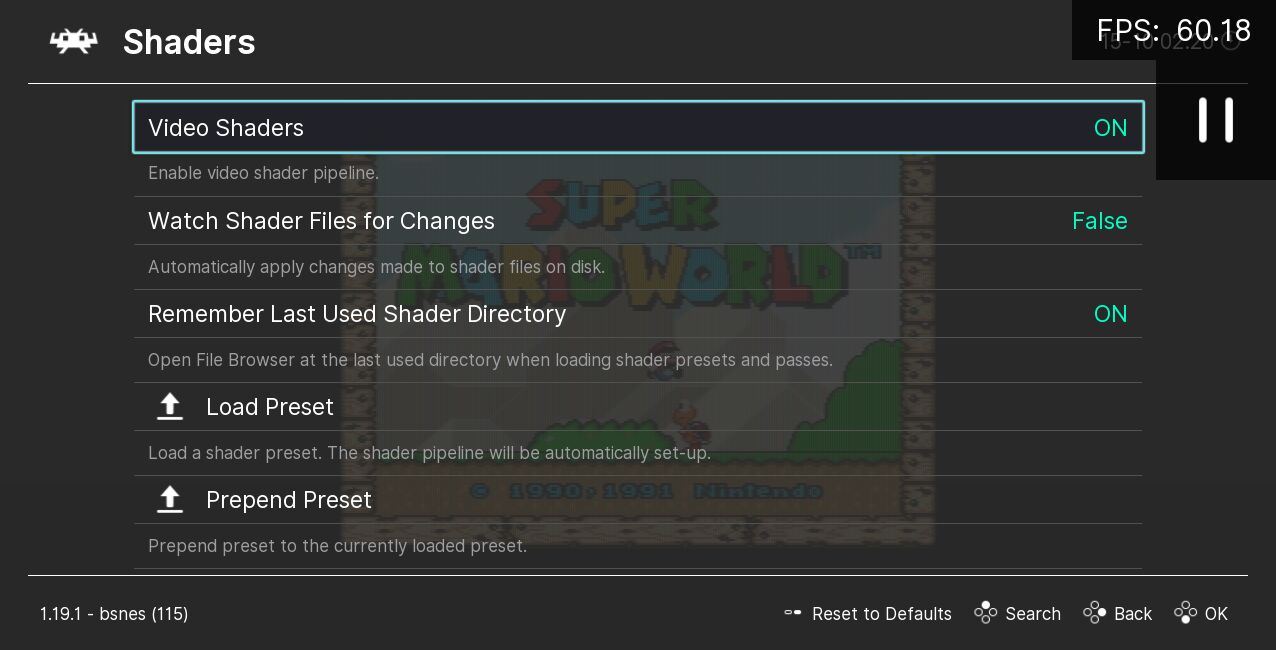
Read here in the official documentation for an introduction: https://docs.libretro.com/shader/introduction/
Types of Shaders
There are different kind of Shaders and effects. Some are self contained, others are meant to be configured or combined. Thankfully they are categorized under individual and clear named directory structure. Some popular categories:
- bezel: Adds images and effects around the border of emulated gameplay area. These are complete packages on their own, utilizing Shaders from other categories.
- crt: Old CRT TV or monitor screen. Here you can find a wide variety of solutions, created by many different Shader programmers.
- dithering: Detect dithered image areas and try to resolve them, in example to have gradient effects or transparency instead dithered mess.
- edge-smoothing: Smooth out pixelation to simulate higher resolution and rounding.
- handheld: Portable LCD and DOT screens, generic types and down to specific types such as OG Game Boy.
- ntsc: Simulate various characteristics and defects from the NTSC signal, such as color artifacts. There are also variants simulating scanlines and cable types such as composite. These are only part of a full fledged CRT Shader.
- presets: Configurations and combinations of Shaders from all categories. Either because these work well together and are popular, or as an example what’s possible.
- scanlines: Various ways to add scanlines, those alternating black lines and rendered game image. Useful if you want create your own preset.
I only scratched the surface, there are lot more.
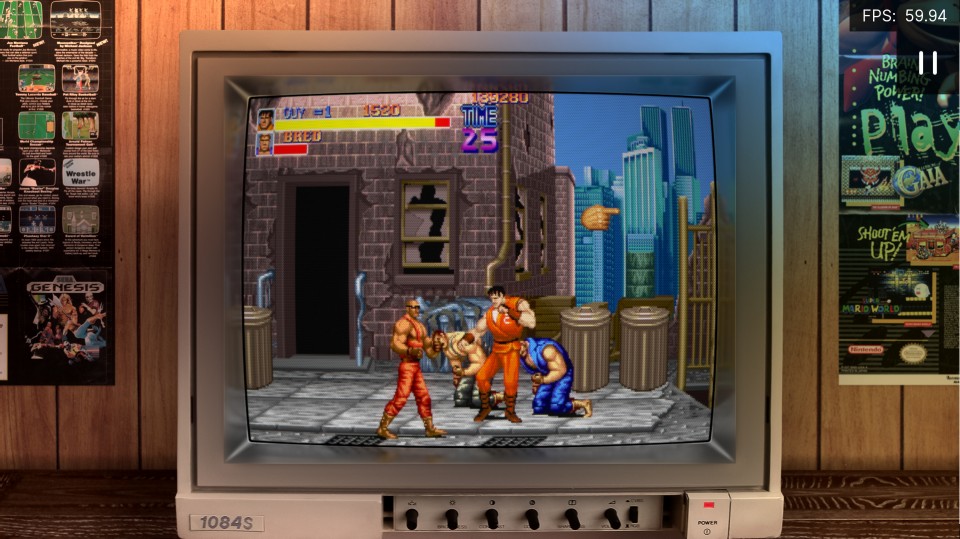
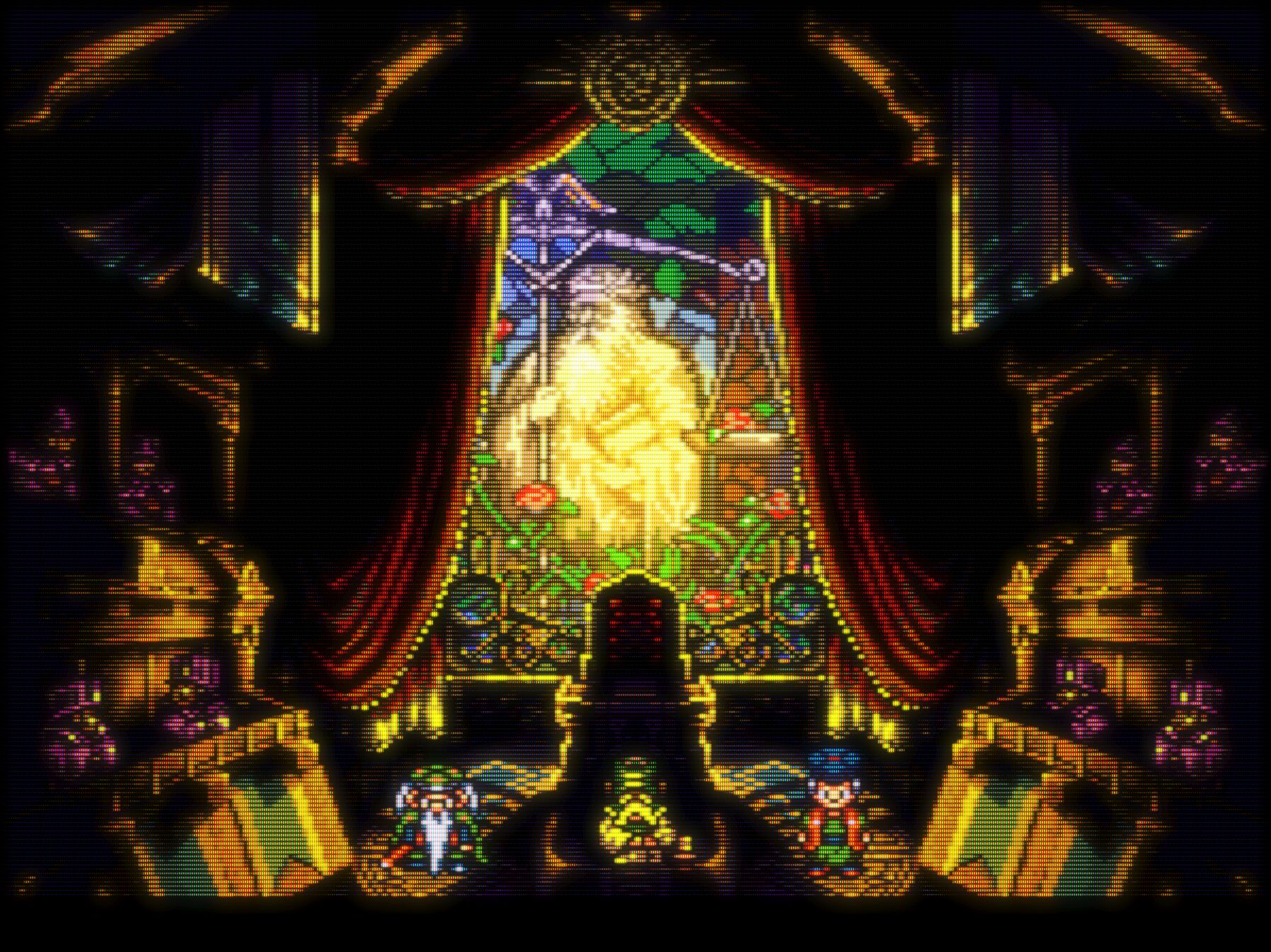
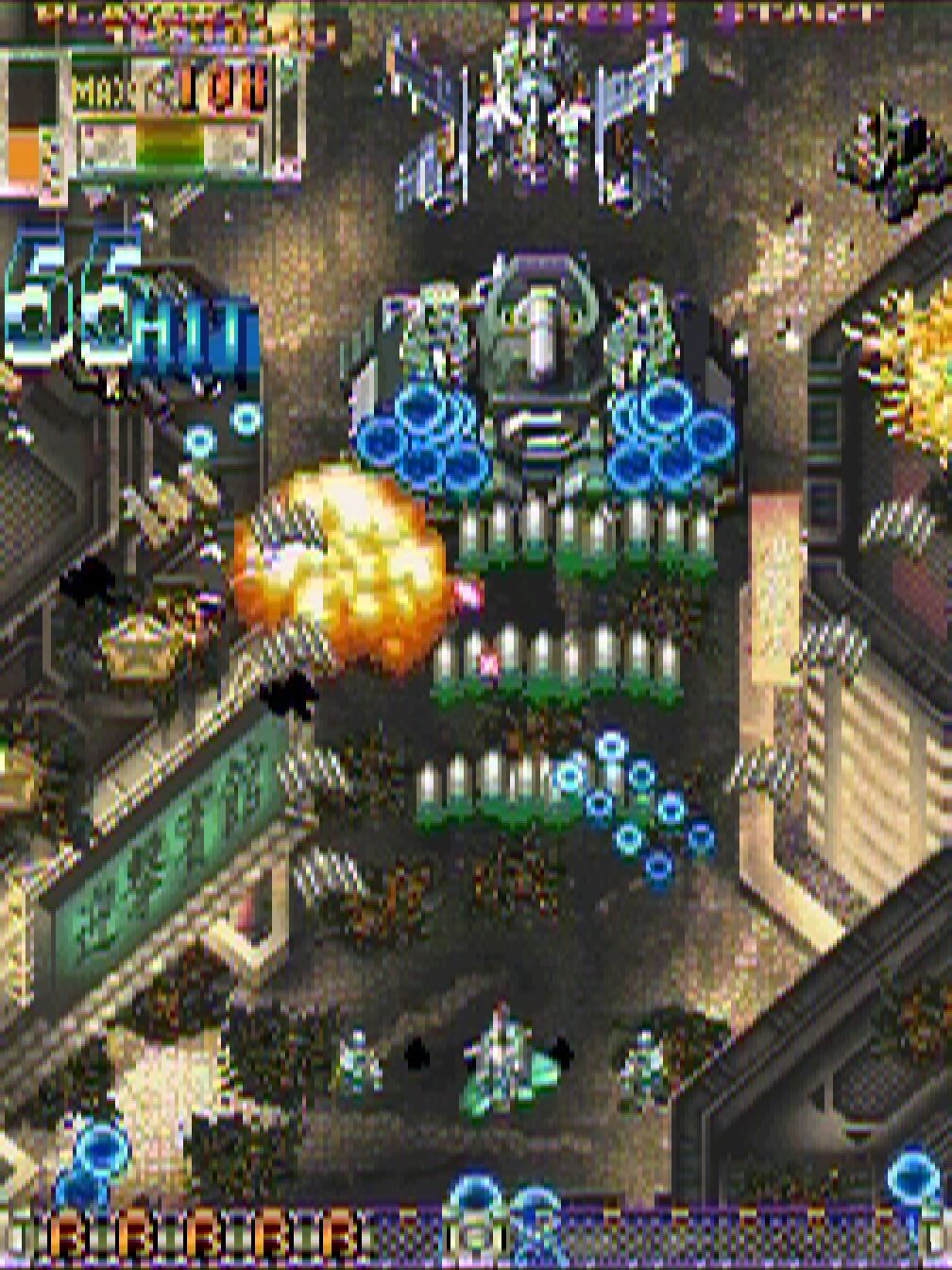
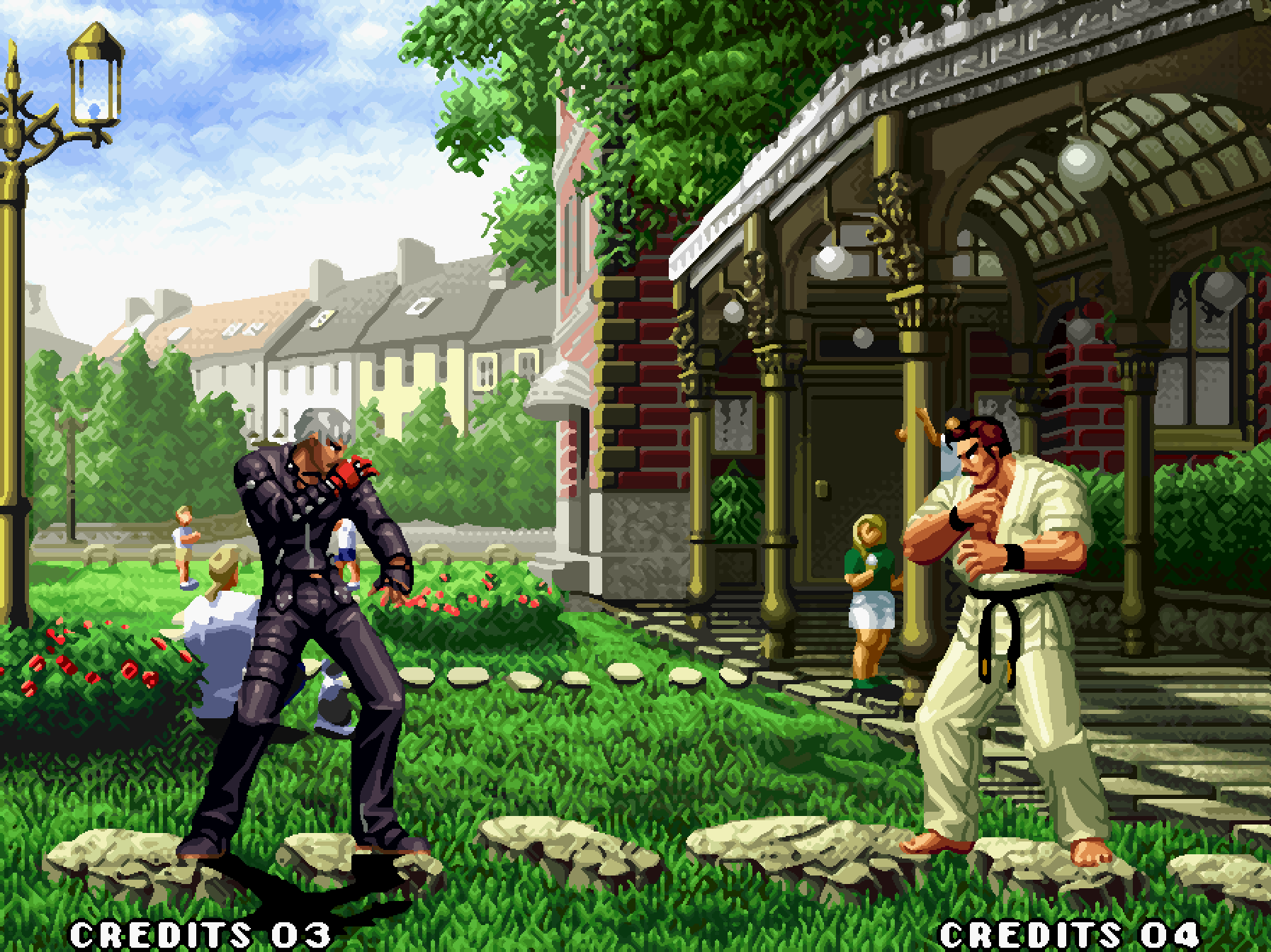

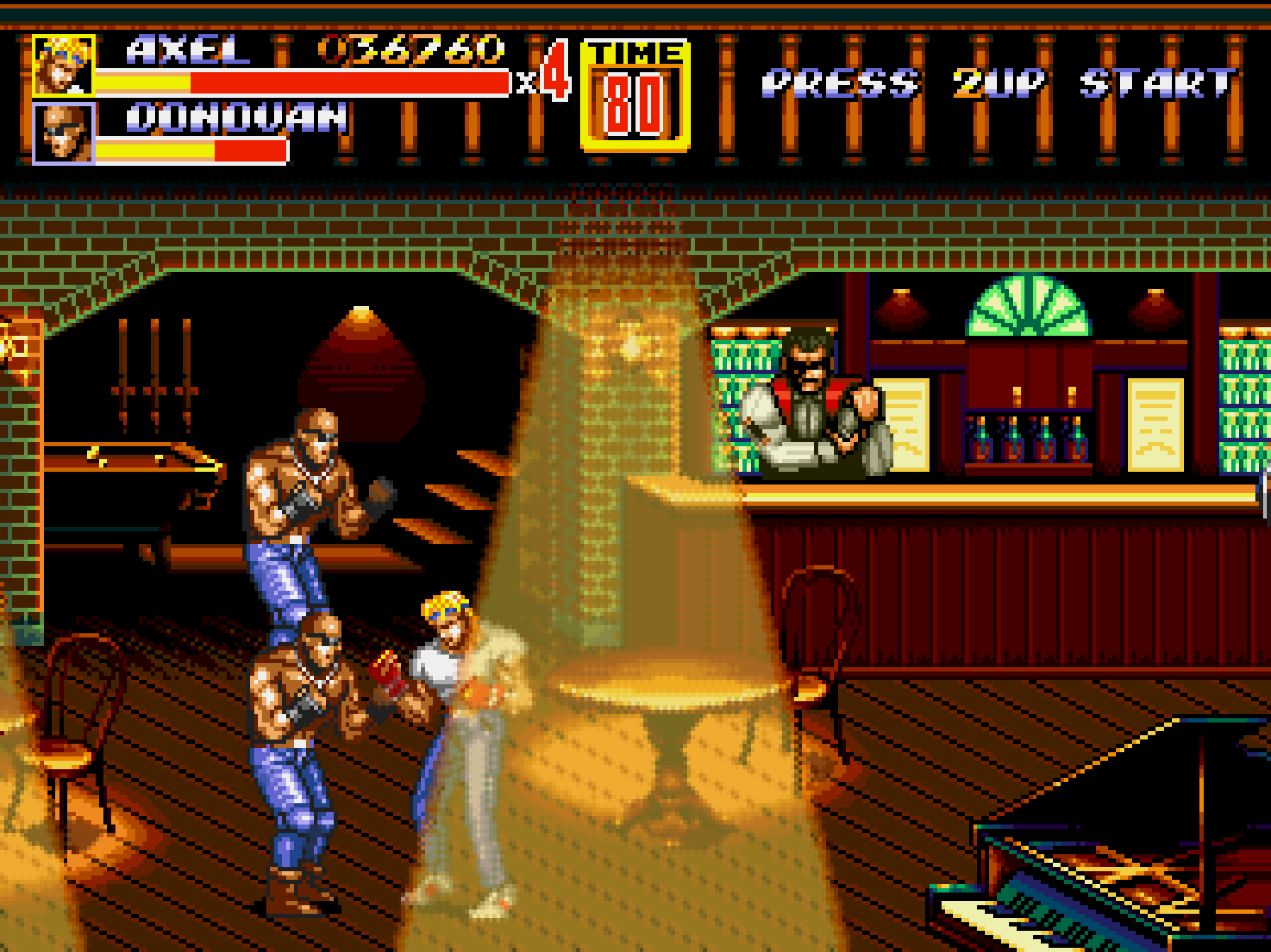
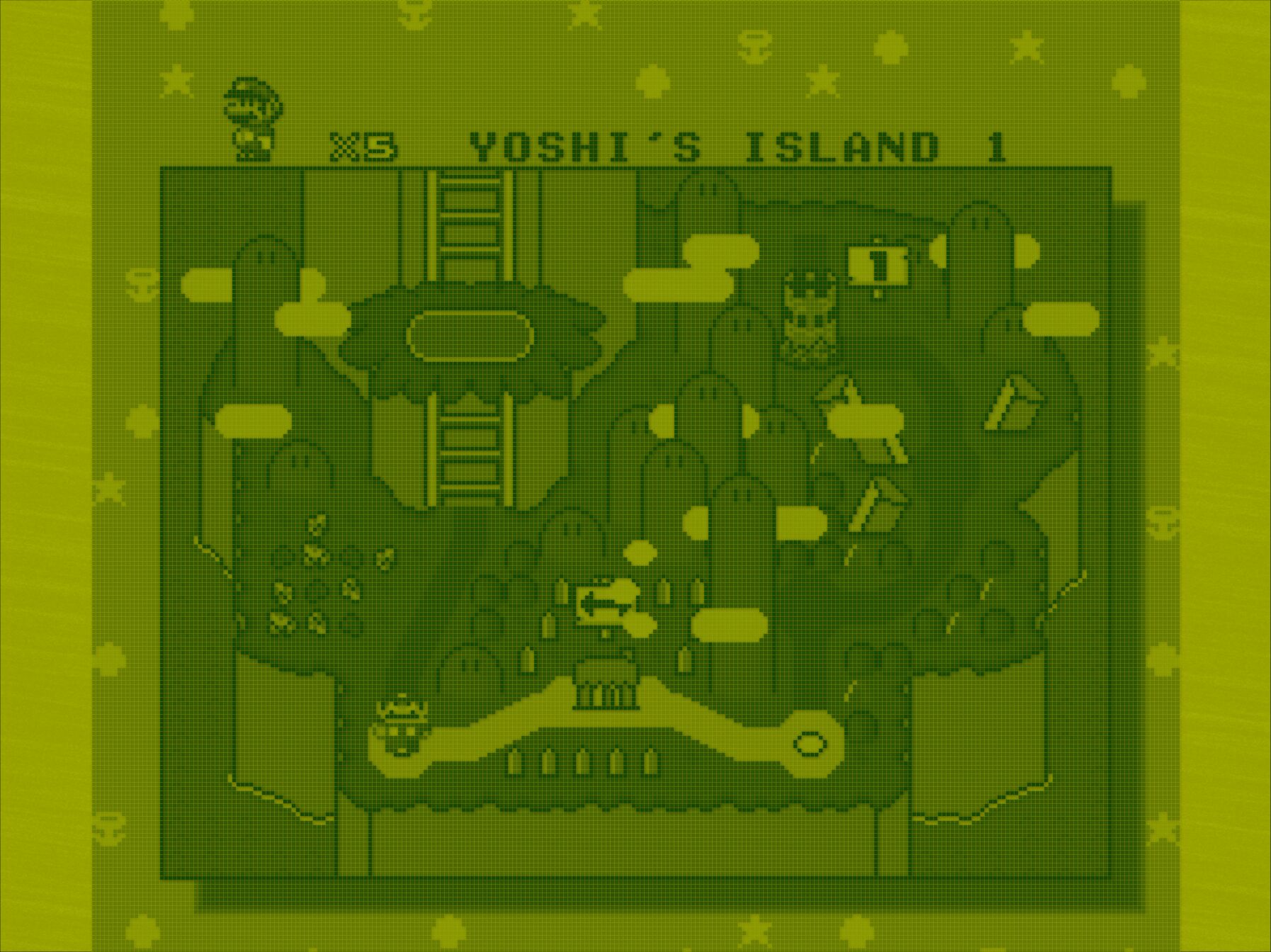
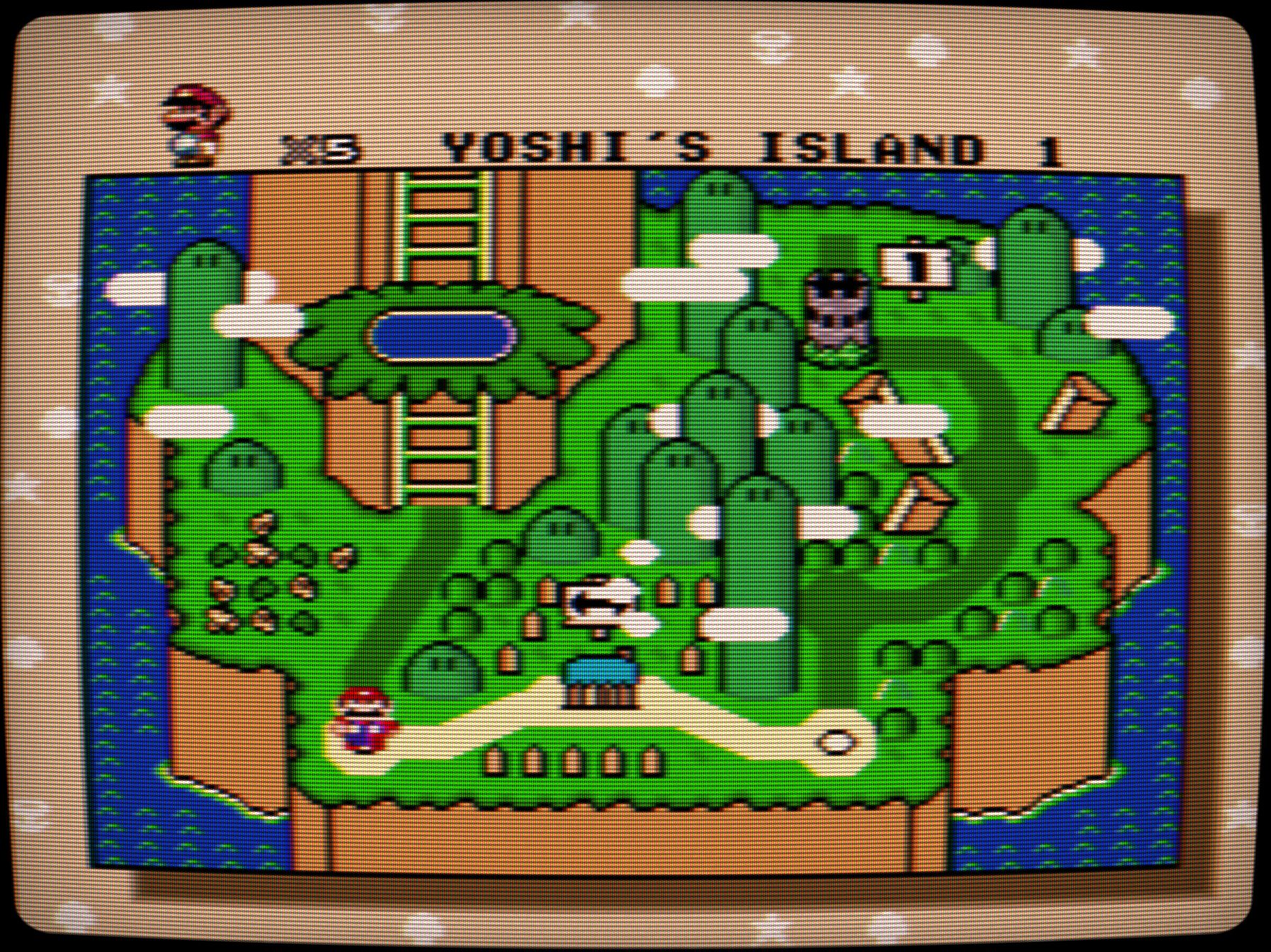
The Screenshots Dataset
Screenshots were taken with Shaders in Slang format, last updated in RetroArch on Sep 16, 2024.
9 game scenes were selected. Every scene is loaded up in emulator 690 (!) times, once for each Shader Preset. All of this is done 4 times, once for each target resolution the emulator is run under (720p to 4k). This resulted in massive 25k images with over 22 GB, plus crops were extracted too. I can’t showcase everything in this article, only a few selected comparisons. Files are named and sorted in directories the exact same way as it is in RetroArch’s “shaders_slang” directory. If you are interested, then you can download all screenshots from Internet Archive, separated by resolution and game:
Showcase for RetroArch Shaders 2024 [Screenshot Sets] (If you experience slow downloads, using a VPN set to the US might help. That’s because the Internet Archive throttles download and upload speeds to outside the US.)
Some sets are uploaded to imgsli.com at fullscreen size. Its a far better tool to compare images, as it allows for zooming freely at any point; the ultimate pixel peeping tool!
A few caveats, as I did not test and cannot show every possible aspect:
- Integer Scale: I force integer scale to on, so game view is upscaled in whole number only. This guarantees pixel perfect scaling, but will introduce black bars around the image. In example if original game is rendered at 320 × 224 and output resolution of your monitor is 1280 × 720, then game is upscaled up to 3 times: 224 * 3 results in 672 to fit into 720p. Some Shaders work best with integer scaling.
- Aspect Ratio: Games played on TV or CRT screens, mostly had a display format of 4:3. Handheld displays were often unique. My setup and goal is to replicate that, where systems like consoles on CRT are output at 4:3 and handhelds set to “core-provided”.
- Performance: Some Shader are slower than others and may require a moderately powerful PC. While others are fast and optimized for low power devices. The performance can drastically vary. Complex and demanding Shaders can be even unpleasant or unplayable on weak hardware.
- Motion: Some properties such as flicker or motion blur are not visible in still images, especially with non moving subjects. You need to play a game in order to make any judges about motion quality and image stability.
- Custom Settings: Only default settings. Some Shaders have deep and complex configuration to alter and adapt the output
- Combinations: Lot of single effect Shaders are designed to be combined with other Shaders. Therefore their single effect might not look good or even be visible to the naked eye.
- Bezels: No bezels and artwork around are included here. This is an entirely different topic on itself and the community created some wild and spectacular artworks. The focus in this article is strictly about the image quality of the emulated game area itself.
- HDR: I do not own a HDR (high dynamic range) monitor and the images are captured by interpreting the Shader with SDR (standard dynamic range). Therefore Shaders that are specifically designed for HDR are captured wrongly here.
- File Format: Slang format only, as .slang and .slangp files in the “shaders_slang” directory. There are other formats as well, but I only use this one. It’s the newest and recommended one.
 things i play
What a fantastic series! Have you done a similar series for the NES, Sega Master System, and Sega Genesis/Mega Drive? I would love to see the comparisons between those consoles and emulators of said consoles!
LikeLiked by 1 person
Thank you. Right, the variety on systems (especially handhelds) is something that is missing. I had to limit to a few scenes here, because I made a screenshot for every Shader Preset (690) 4 times for each resolution. With future articles I will focus on more systems rather than covering all Shaders.
LikeLiked by 1 person
Amazing post with everything weel explained!
LikeLiked by 1 person
Very useful post, thank you! Any chance you’ve uploaded the whole picture set somewhere?
LikeLiked by 1 person
At the time of posting, the Internet Archive was broken.
Edit:
Never mind, I finally managed to upload them all to the Internet Archive: https://archive.org/details/showcase_for_retroarch_shaders_2024_screenshot_sets_202504
If you experience slow downloads, using a VPN set to the US might help. That’s because the Internet Archive throttles download and upload speeds to outside the US.
LikeLike