

Handheld 1080p
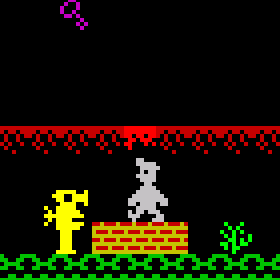
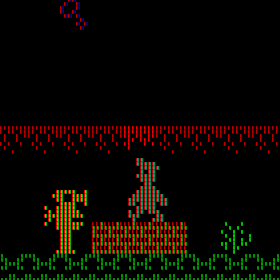
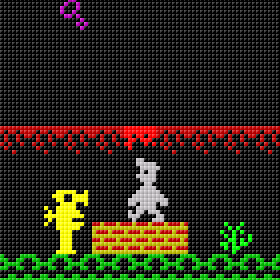
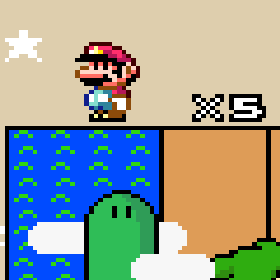
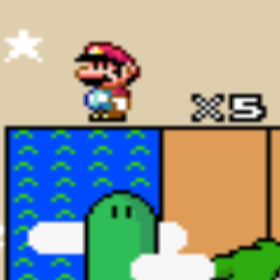
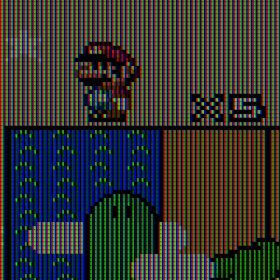
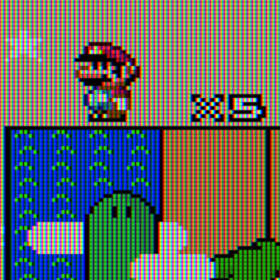
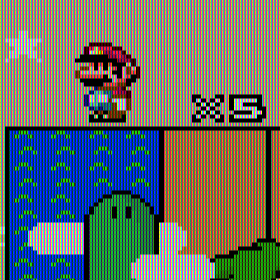
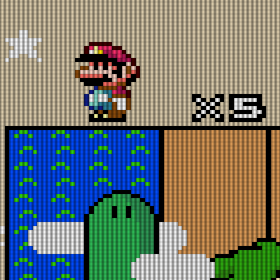
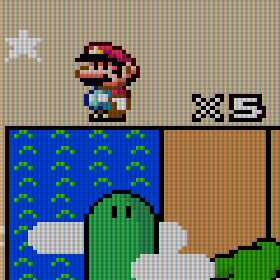
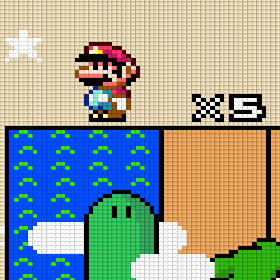
Crops with a size of 280×280 from 1080p screenshots, of 18 different Shaders in the “handheld”-directory. Plus nearest and bilinear for reference. Handheld Shaders try to mimic the portable screens display, such as the Game Boy or in a generic way for typical built-in LCDs.
Although the screenshots below are NOT taken from an handheld game, the pixels are still representative. Also the Game Boy Shaders will change the aspect ratio on some systems, as seen in the Mario comparisons, but not in Manic Miner.
Scene: Manic Miner #Beginnings
Manic Miner (1983)(Software Projects)[re-release] on ZX Spectrum. The crop shows mid part of first stage with player character and enemy on screen.
Imgsli is an external service with the ability to zoom in and change the images to compare. I’ve uploaded sets with fullscreen captures.
- Handheld 1080p Set 1 Full Images on Imgsli:
authentic_gbc-crop, bevel, dot, ameboy-advance-dot-matrix, gameboy, gameboy-dark-mode, gameboy-light, gameboy-light-mode, gameboy-pocket, gameboy-pocket-high-contrast, lcd-grid-v2, lcd-shader, lcd1x, lcd3x, retro-v2, sameboy-lcd, simpletex_lcd, zfast-lcd

| vs |
bilinear
| vs |
handheld/bevel
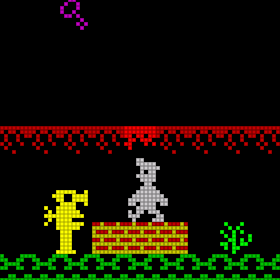
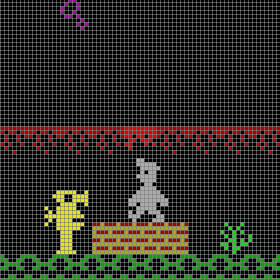
| vs |
handheld/gameboy-advance-dot-matrix
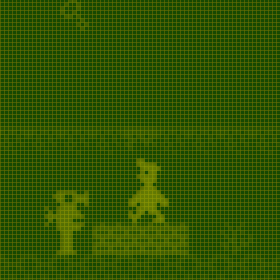
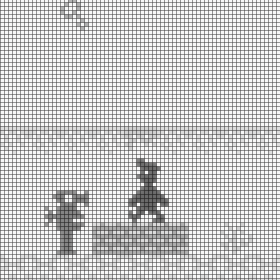
| vs |
handheld/gameboy-dark-mode
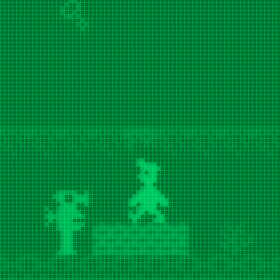
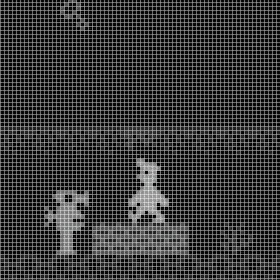
| vs |
handheld/gameboy-light-mode
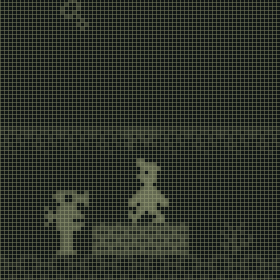
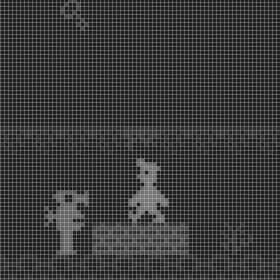
| vs |
handheld/gameboy-pocket-high-contrast
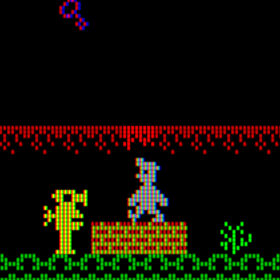
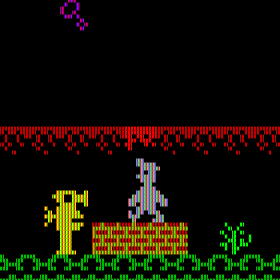
| vs |
handheld/lcd-shader
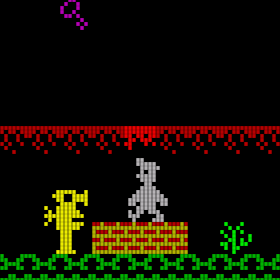
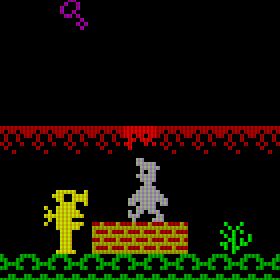
| vs |
handheld/lcd3x
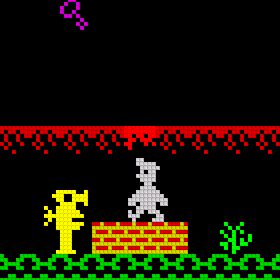
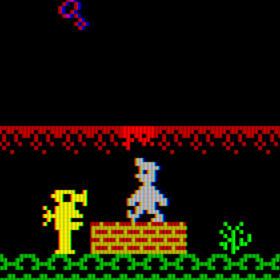
| vs |
handheld/sameboy-lcd
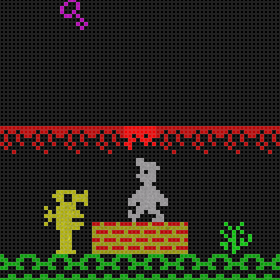
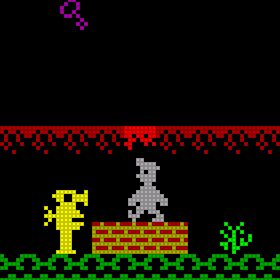
| vs |
handheld/zfast-lcd
Scene: Super Mario World #World Map
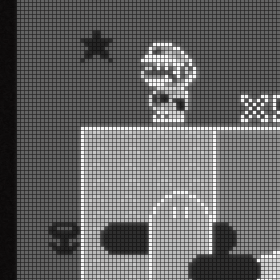
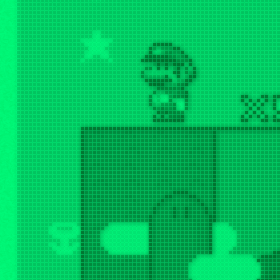
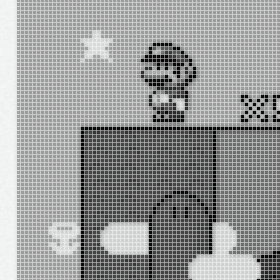
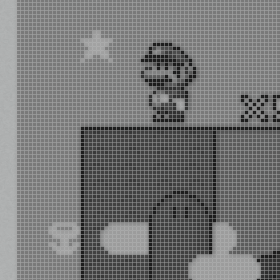
Super Mario World (USA) on SNES. The crop is showing the “X” multiplier and Mario in the top corner of the world map.
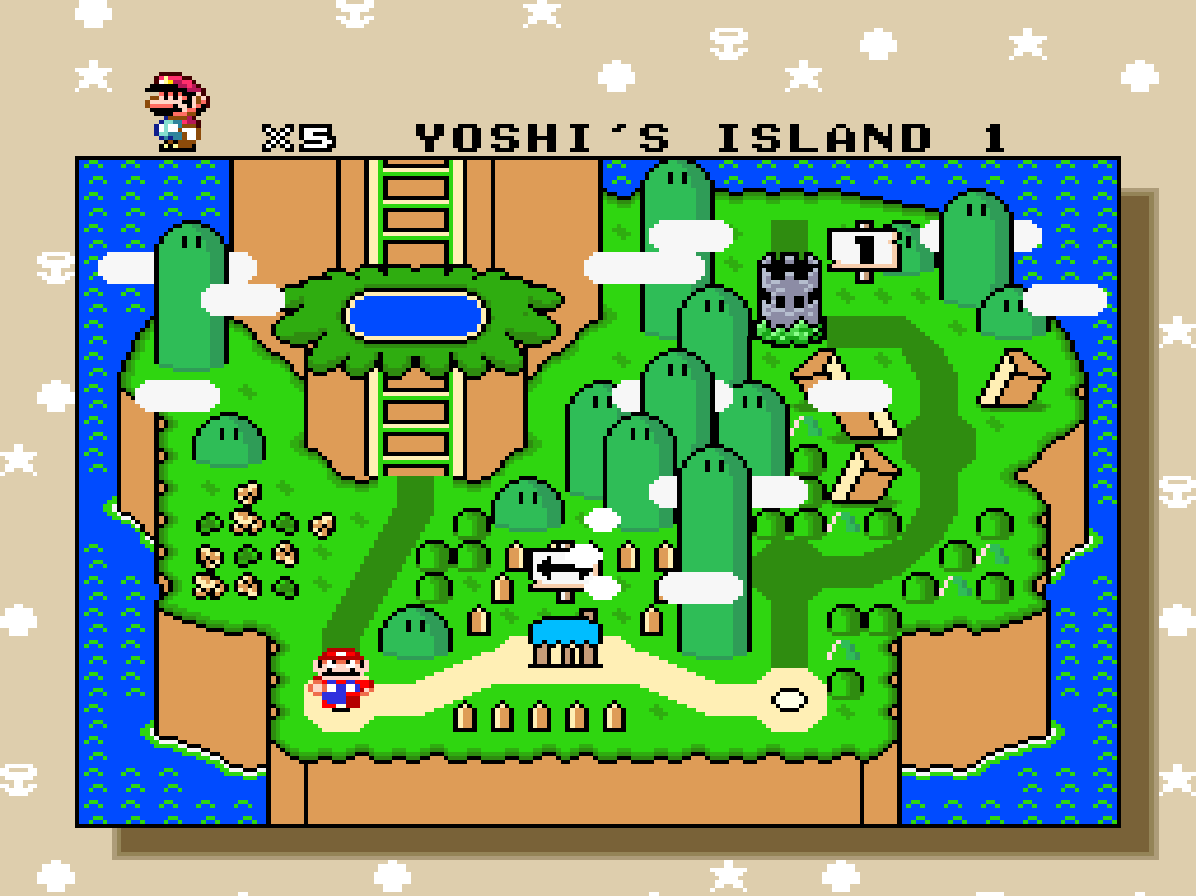
Imgsli is an external service with the ability to zoom in and change the images to compare. I’ve uploaded sets with fullscreen captures.
- Handheld 1080p Set 2 Full Images on Imgsli:
authentic_gbc-crop, bevel, dot, ameboy-advance-dot-matrix, gameboy, gameboy-dark-mode, gameboy-light, gameboy-light-mode, gameboy-pocket, gameboy-pocket-high-contrast, lcd-grid-v2, lcd-shader, lcd1x, lcd3x, retro-v2, sameboy-lcd, simpletex_lcd, zfast-lcd
| vs |
bilinear
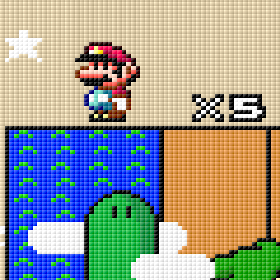
| vs |
handheld/bevel
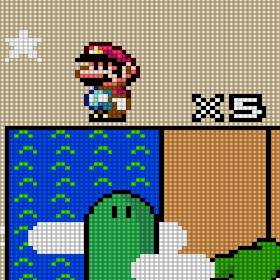
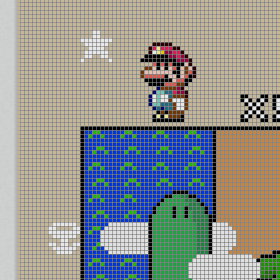
| vs |
handheld/gameboy-advance-dot-matrix
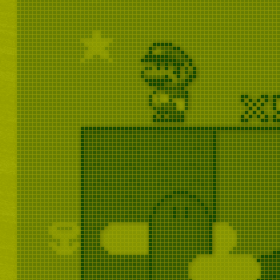
| vs |
handheld/gameboy-dark-mode
| vs |
handheld/gameboy-light-mode

| vs |
handheld/gameboy-pocket-high-contrast
| vs |
handheld/lcd-shader
| vs |
handheld/lcd3x
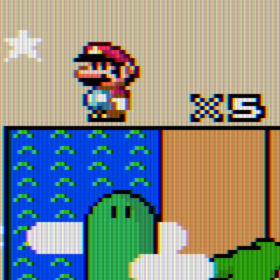
| vs |
handheld/sameboy-lcd
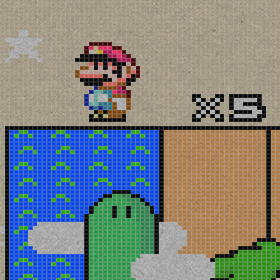
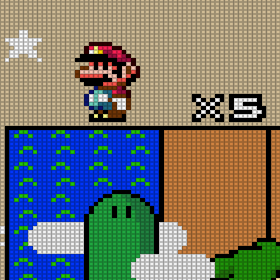
| vs |
handheld/zfast-lcd
 things i play
What a fantastic series! Have you done a similar series for the NES, Sega Master System, and Sega Genesis/Mega Drive? I would love to see the comparisons between those consoles and emulators of said consoles!
LikeLiked by 1 person
Thank you. Right, the variety on systems (especially handhelds) is something that is missing. I had to limit to a few scenes here, because I made a screenshot for every Shader Preset (690) 4 times for each resolution. With future articles I will focus on more systems rather than covering all Shaders.
LikeLiked by 1 person
Amazing post with everything weel explained!
LikeLiked by 1 person
Very useful post, thank you! Any chance you’ve uploaded the whole picture set somewhere?
LikeLiked by 1 person
At the time of posting, the Internet Archive was broken.
Edit:
Never mind, I finally managed to upload them all to the Internet Archive: https://archive.org/details/showcase_for_retroarch_shaders_2024_screenshot_sets_202504
If you experience slow downloads, using a VPN set to the US might help. That’s because the Internet Archive throttles download and upload speeds to outside the US.
LikeLike